Back to Resources

By Erik Rasmussen, CISSP. Principal, Head of Cybersecurity & Risk Management Solutions at Grobstein Teeple. Former Special Agent, United States Secret Service.
I have spent more than twenty years investigating cybercrime. First as a federal agent, and now as a trusted advisor sitting in war rooms with Fortune 10 companies and global law firms on the worst day they’d ever had. You learn things in that environment. You learn that a single click can cost a company millions. You learn what it looks like when an owner realizes the client files are gone or locked up and are not recoverable. So when I say the next month and a half deserves your attention, that’s not a sales pitch. It’s based on a pattern I’ve seen too many times.
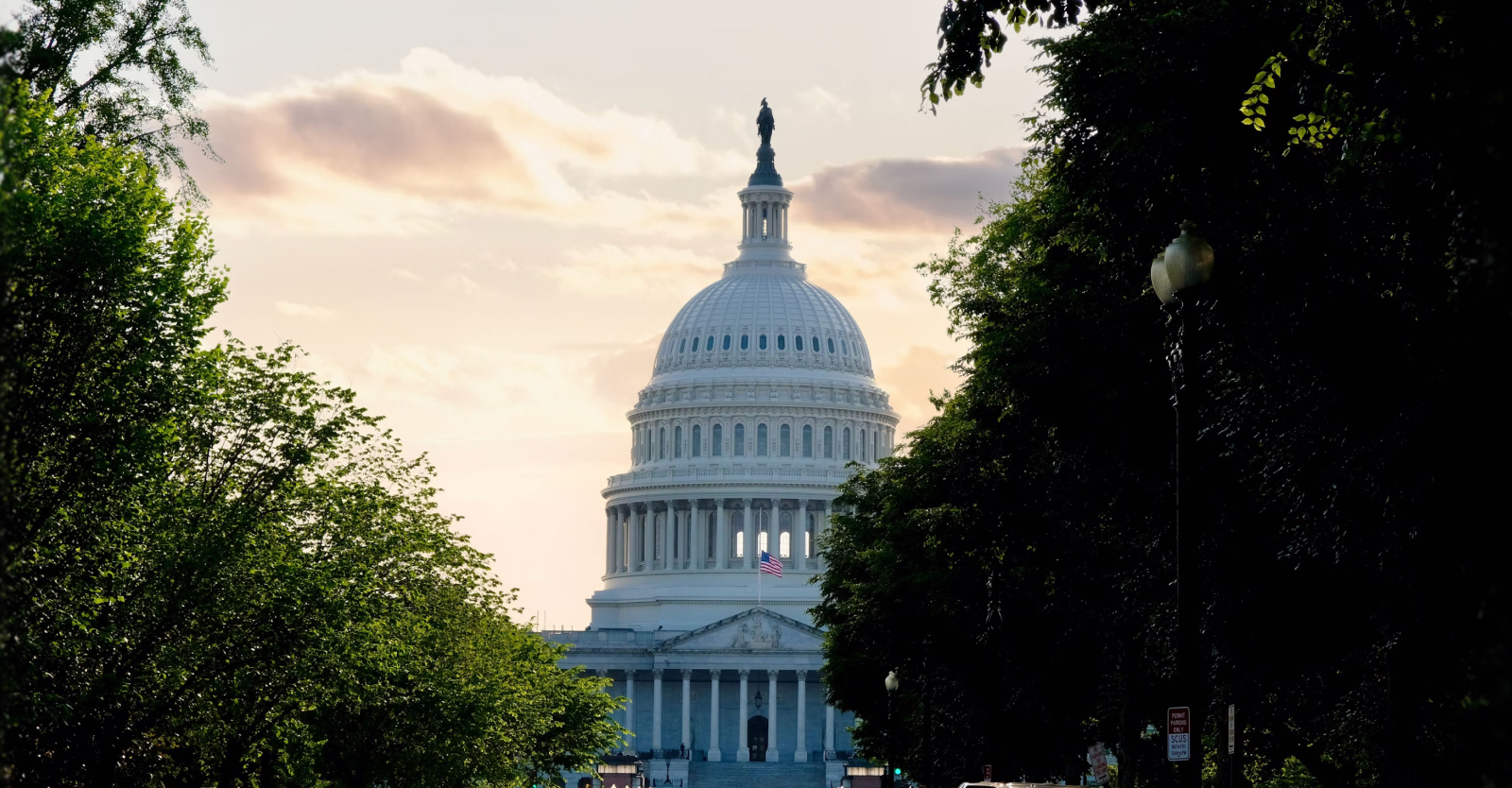
This summer, FIFA World Cup 2026 comes to North America, including Los Angeles Stadium, which is hosting eight matches between June 12 and July 10, and millions of visitors will pour through the region. It’s also one of the largest security operations this region has ever mounted, and an excellent model for the 2028 Summer Olympics.
The threat level is real enough that the White House stood up a dedicated World Cup task force, with the FBI, the Secret Service, and other federal agencies running command posts through the tournament. The Department of Homeland Security designated the event as a Special Event Assessment Rating (SEAR) Level 1, the highest classification for a SEAR event. The FBI and security researchers have already warned about fake World Cup websites built to harvest credentials and card details, as well as phishing domains and malware-laden PDFs purporting to be FIFA handbooks. Nation-state actors are probing the event alongside traditional cybercriminals, drawn by the same thing that makes any big event a target: money, attention, and a lot of distracted people. That federal umbrella is aimed at stadiums, infrastructure, and headline targets. It does not protect your business. That part is on you, and it’s what this playbook is for.
Big events raise cyber risk for a simple reason: they knock people out of their routines. The team works from hotels and coffee shops, hops onto Wi-Fi they’ve never used, checks email on a personal phone between meetings and matches, and skims messages they’d normally stop and question. Attackers love that. A distracted crowd that doesn’t know the local lay of the land is easy hunting. And if your business holds money or records for other people, that distraction isn’t a small thing. It’s an opening.
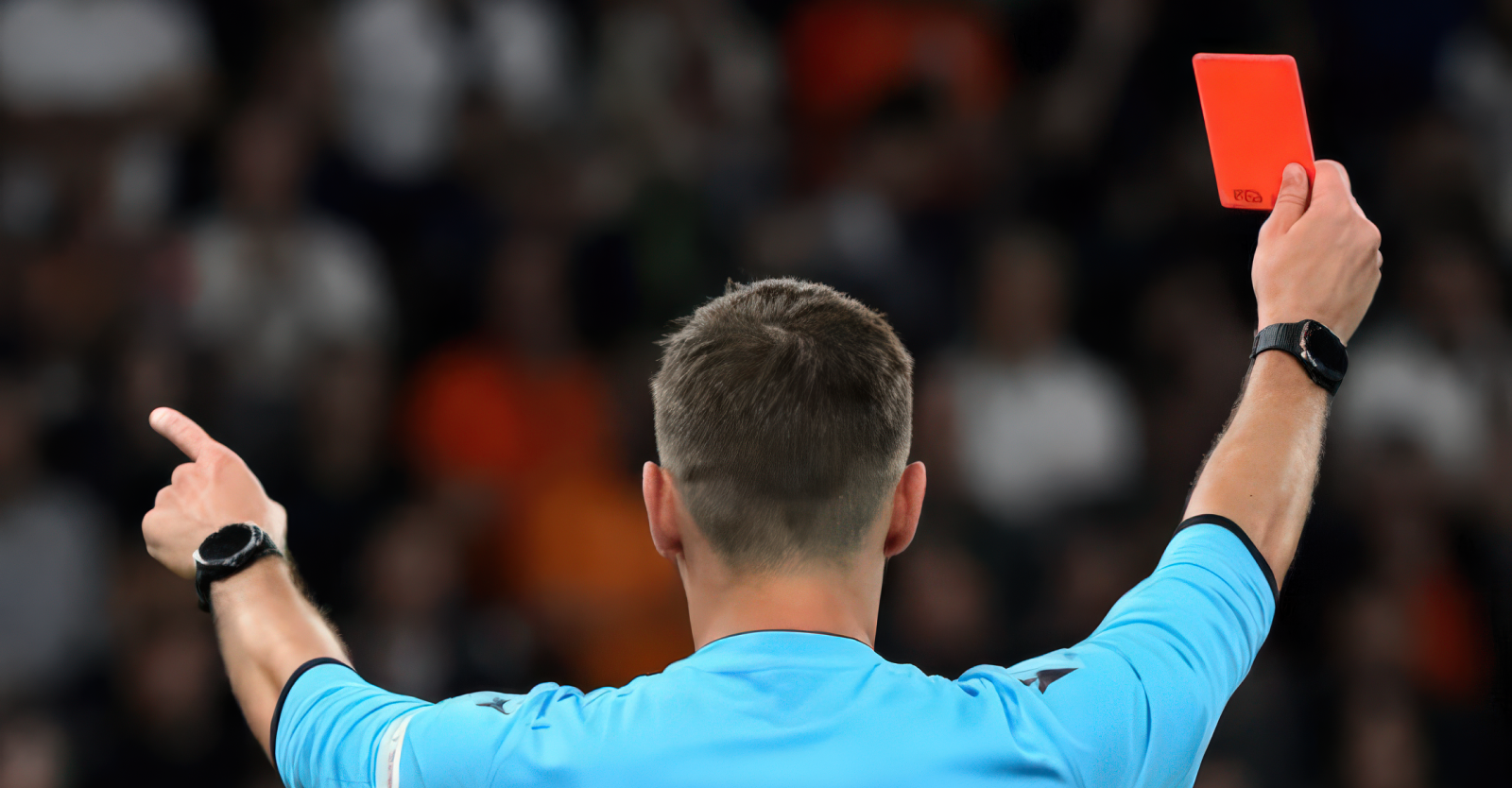
So treat the next six weeks like a match of your own. Here are ten red cards: the fouls that put a business on the back foot, and the one move that stops each one. Most cost very little to fix. That’s worth remembering when you see that the average US data breach hit a record $10.22 million in 2025, even as the global figure fell for the first time in five years, according to IBM’s 2025 Cost of a Data Breach Report.
1. Public Wi-Fi
Free Wi-Fi at the stadium feels like a win. To a criminal sitting on the same network, your inbox feels like one too. On an open connection, they can quietly wedge themselves between your employee and whatever they’re logging into, and read the credentials and files going past. If your firm handles client money or records, that’s a straight line to the things you’re paid to guard. Install a vetted VPN on every work device, or have people tether to their phone. Never trust a network you don’t control.
2. The charging station
That public USB port by the gate or the stadium suite is handy. It can also be dangerous. The trick even has a name, juice jacking, and it uses a doctored port or cable to pull data off your phone or push malware onto it while it charges. The fix is almost embarrassingly simple. Carry your own wall plug and cable, or a small battery pack, and treat a strange USB port the way you’d treat a stranger’s laptop.
3. The email that looks right
Good phishing doesn’t look like phishing anymore, and AI is to blame. Attackers now use it to write flawless, personalized emails at scale, so the typos and clumsy phrasing that used to give the game away are gone. It looks like FIFA asking you to approve access to your tickets, an invoice from a hospitality supplier you actually use, or a note from a colleague who’s “at the game and needs this paid today.” The typos are long gone, and your spam filter won’t catch all of it. What catches it is a half-second pause. Did I expect this? Does the sender hold up if I check on a channel I trust? Drill that pause into your team, especially when a message is urgent and about money.
4. The text and the phone call
Phishing didn’t stay in the inbox. The same trick now shows up in texts claiming you owe an unpaid toll or a small fee, as well as in calls from individuals who sound official and ask you to “verify” your account; AI has made all these scenarios far more convincing than before. The same tools that create flawless phishing emails can now clone a voice from just seconds of audio, making a caller posing as a colleague or bank sound convincing. It’s the same goal every time: to get you to hand over a credential, a card number, or other sensitive information before your brain catches up. So slow down. Treat any out-of-the-blue request for information or payment as suspect, hang up, and call the company back on a number you found yourself.
5. The weak password
A weak password is an open net, and the easiest goal an attacker will ever get. Strong passwords close that net. The trick isn’t a sticky note with something more complex on it; it’s a password manager like 1Password or Bitwarden that builds and remembers a long, unique password for every account, so nobody on your team has to. Good cybersecurity for businesses really does start here, because this is the first door criminals try when they want unauthorized access.
6. The missing keeper
A password on its own is a single line of defense. Multi-factor authentication is the keeper standing behind it. Ask for one more proof of identity, a code or a tap in an app like Authy, and you block the big majority of account takeovers even after a password leaks. Switch it on for email, banking, and anything that touches client data. It takes a few minutes, and it’s usually free. I’ve lost count of the breaches that never would have happened if this one box had been ticked.
7. The out-of-date app
Every “update available” your team clicks away is a door left ajar. A lot of cyberattacks don’t take genius. They take patience, and a known vulnerability in software that nobody bothered to update. Turn on automatic updates, regularly update every device and app your team relies on, and treat a pending update on a work machine as a job to finish, not a nag to dismiss.
8. The device left in the cab
In a city this packed and this distracted, a phone or laptop is going to go missing. Whether that’s a crisis or a shrug comes down to what you set up first. A screen lock, full-device encryption, and the ability to remotely wipe a device turn a lost phone into an annoyance rather than a breach. If your people carry client files and sensitive data around on the move, this one isn’t optional.
9. The AI tool nobody approved
Free AI tools are everywhere, and your team is almost certainly using them already. The trouble starts when someone pastes a client contract, customer information, or a confidential file into one to shave ten minutes off a task, because the moment it’s in there, you’ve lost track of where it goes. IBM calls this shadow AI, the unsanctioned use of AI at work, and found it played a part in one in five breaches in 2025, adding an average of $670,000 to the bill. Decide which tools your people can use, spell out what must never go into one, and you sharply reduce the risk.
10. The QR code scam
A QR code feels official. Point your phone, and you’re on the parking site, the digital ticket, the drinks menu. Criminals know that trust, and they exploit it. Around a big event they paste their own codes over the real ones, and the page that opens is a flawless copy built to grab your card details or your login. The fix costs nothing. Check that a code hasn’t been stuck over the original, reach important sites by typing the address yourself rather than scanning to get there, and never enter payment or login details on a page you landed on from a code you weren’t expecting.
Cybersecurity is a leadership decision
One of the biggest challenges I face is treating security as a tech problem that lives in a server room or elsewhere. It’s a business decision about how much risk you’re willing to take on, and it belongs at the leadership table, next to every other call that can sink or save a company. That’s as true for a law firm guarding privileged client files as it is for a manufacturer or a fund. It is also about personal accountability.
One of my jobs is to think like an attacker, so you can stay a step ahead of one. The plays above will protect your business throughout the tournament and long after. The World Cup is going to be a remarkable few weeks for Los Angeles. Let’s make sure it’s remembered for the football, not for the breach nobody saw coming.
If it’s time to take a hard look at where your business stands, our cybersecurity team works with businesses and law firms across Los Angeles on exactly this. Call 818.532.1020 or get in touch through our contact page.
Frequently asked questions
Why would the World Cup raise cyber risk for my business?
Big events scatter your people across unfamiliar networks and devices, and they pull in opportunistic attackers who feed on the distraction. That wider attack surface is where most cyber threats find their opening.
My business is small. Am I really a target?
Yes, often more than a big enterprise. A small business tends to have fewer defenses, so it’s easier to breach and slower to recover. The good news is that most of the fixes above are cheap or free.
What’s the single most effective thing I can do quickly?
Switch on multi-factor authentication wherever you can, then set up a password manager. Together, those two security measures shut down the most common ways businesses get breached.
What should a law firm focus on first?
Protecting privileged client data: tight access controls, encrypted devices, staff trained to spot phishing, and a response plan you’ve tested before anything goes wrong.
Cybersecurity
17 Jun 2026
 10 minute read
 Recent Insights

-
Financial Review vs Audit: Which One Do You Actually Need?Accounting Service General Business17 Jun 2026
10 minute read
Some business expenses are unavoidable. Audits and financial statement reviews are among them. While they can be costly and are rarely welcome, ...
-
What Is a Receivership? How It Works and What to ExpectPersonal Finance18 May 2026
8 minute read
A partnership falls apart. A lender stops trusting management. A regulator finds enough evidence of fraud to act. In each case, one of the interest...
-
Selling a Business: What You Need to Know Before You Go to MarketBusiness Strategy General Business3 Jun 2026
3 minute read
Most owners spend years building a valuable business yet approach the sale with far less preparation than it deserves. We sat down with professi...
-
Why a Forensic Accountant is Essential in Family Law and Divorce CasesUncategorized8 Apr 2026
5 minute read
In most divorce proceedings, obtaining a clear financial picture is fundamental to the outcome of the case. One spouse says the business earns X. T...
-
What Is the Value of My Company?Business Strategy3 Mar 2026
2 minute read
If you're asking, "What is the value of my company?" - you're not alone. Many business owners don't have a clear answer and often rely on rules of ...
-
Agreed-Upon Procedures: How An AUP Engagement Can Meet Your NeedsBusiness Strategy3 Mar 2026
3 minute read
What Agreed-Upon Procedures Actually Are Agreed-upon procedures (AUP) engagements let you zero in on specific accounting records, financial data...
-
You’re Probably Paying too Much in Taxes (Here’s Why)Uncategorized27 Feb 2026
2 minute read
No tax strategy? You may be overpaying. Tax season is approaching, and for many businesses, that means scrambling to file before the tax deadlin...
-
Trump’s Big Beautiful Bill: What You Need to Know NowBusiness Tax General Business2 Sep 2025
7 minute read
The 2025 tax legislation is here, and it's time to get strategic. President Trump's latest tax reform, formally titled the 2025 Tax Relief and E...
-
Why Engaging a Litigation Expert Witness Early Wins Complex Financial CasesBusiness Strategy17 Sep 2025
5 minute read
Engaging a litigation expert witness early can make the difference between a strong argument and a winning case; especially when financial damages ...
-
Why an Independent Fiduciary Protects Business ValueBusiness Strategy Advisory22 Jul 2025
4 minute read
An independent fiduciary provides the objective oversight, conflict-free decision-making, and governance stability U.S. businesses and families nee...
-
Grobstein Teeple LLP Joins the Prestigious Alliott Global Alliance and Expands Global CapabilitiesCompany News General Business1 Jul 2025
3 minute read
Los Angeles firm, Gropstein Teeple LLP, gains international reach through admission into prestigious professional services network, Alliott Global ...
-
How the Right Audit Preparation Can Save Your Firm Time and MoneyBusiness Tax General Business24 Apr 2025
5 minute read
A financial statement audit can be a costly and time-consuming process, which is why seeking expert advice on audit preparation is essential to eas...
-
Withstanding the Unexpected: How a Red File Can Help You Bounce BackPersonal Finance Advisory30 May 2025
5 minute read
One of the few certainties in life is that it can be unpredictable. That’s why a Red File is so important—because it can help you recover quickly f...
-
How Will President Trump’s IRS Hiring Freeze Affect Tax Season?Uncategorized4 Mar 2025
3 minute read
While there was an expectation of some unpredictability from President Trump’s second term in office, a number of new executive orders are causing ...
-
Trump and 2025 Tax Brackets: Here’s What We’re Advising our Clients to Watch Out ForTax & Compliance Industry Updates9 Jan 2025
5 minute read
Many of our clients have asked us what will change—including whether there will be any changes to 2025 tax brackets—once president-elect Donald Tru...
-
The Corporate Transparency Act Is on Hold— But That May Be TemporaryBusiness Tax Industry Updates12 Dec 2024
3 minute read
Beneficial Ownership Information, or BOI reports, are now voluntary until further notice. However, Grobstein Teeple still recommends clients gather...
-
When It Comes to Home Cybersecurity, You Can’t Afford to Overlook Your SetupCybersecurity Cybersecurity24 Oct 2024
6 minute read
Working remotely? Don’t forget the crucial role your home cybersecurity setup plays in keeping your personal information safe and secure. We’ve ...
-
Ever Wondered How to Calculate Business Valuation? Start by Talking to an ExpertBusiness Tax Advisory3 Oct 2024
5 minute read
Do you know how to calculate business valuation accurately when there are competing interests involved? It’s a question Grobstein Teeple’s business...
-
Need Forensic Accounting? You’ve Come to the Right PlaceAccounting Service Protection11 Sep 2024
6 minute read
Forensic accounting might not be the most traditional of services that come to mind when you think of accounting, but it’s a field Grobstein Teeple...
-
What Is Bankruptcy and Insolvency? You’ll Want an Expert to Answer ThatWealth Planning General Business14 Jul 2024
5 minute read
It’s not a topic any business owner ever wants to face, but failure to consult a bankruptcy and insolvency expert can cost you even more in the lon...
-
We Do More Than Just Tax Planning and ComplianceAccounting Service Advisory21 May 2024
6 minute read
While the month of May often brings a sigh of relief for individuals who’ve just filed their income tax returns, Grobstein Teeple does more than ju...
-
Building a Successful Business? Don’t Forget About AccountingBusiness Strategy General Business17 Apr 2024
2 minute read
When it comes to building a successful business, it’s key to get your accounting right. That’s the verdict from our Principal, Dimple Mehra, who...
-
It’s ‘Go Time’ Once Again at the California Bankruptcy ForumAccounting Service Advisory5 Apr 2024
6 minute read
The California Bankruptcy Forum is hosting its 36th annual insolvency conference in May and Grobstein Teeple will again be an active participant. ...
-
Have You Ever Wondered Why Business Valuation Is So Important?Business Strategy Advisory7 Mar 2024
4 minute read
Why is business valuation important? Grobstein Teeple’s experienced business valuation experts, Kurt Stake and Will Thomsen, have the answers. W...
-
Howard Grobstein Named One of LA’s Top 100 AccountantsCompany News Company news9 Nov 2023
5 minute read
Howard Grobstein didn’t co-found Grobstein Teeple with the express purpose of being named one of LA's Top 100 Accountants, but it’s an accolade tha...
-
The Four Best Practices of Staying Safe OnlineBusiness Strategy Cybersecurity23 Oct 2023
7 minute read
October marks Cybersecurity Awareness Month each year—the joint initiative between the U.S. Department of Homeland Security and National Cybersecur...
-
Why Cybersecurity is More Important Than EverBusiness Strategy Cybersecurity13 Oct 2023
8 minute read
“Certain kinds of cybercrime that were considered avant garde or cutting edge in 2004 or 2005 are now daily occurrences.” That’s the verdict of...
-
October Is Cybersecurity Awareness MonthPodcast Cybersecurity29 Sep 2023
1 minute read
It's Cybersecurity Awareness Month and here at Grobstein Teeple, we’re thrilled to play our part. Our Global Head of Cybersecurity and Risk Mana...
-
Postponed California Tax DeadlinesPersonal Tax9 Mar 2023
3 minute read
Postponed deadlines for disaster-affected taxpayers in California. The Internal Revenue Service has announced that the postponement of various t...
-
Time for business evolutionCompany News16 Mar 2023
3 minute read
Brand History We grew from a desire to combine the expertise provided by a larger firm with a leaner, more flexible approach that puts our c...